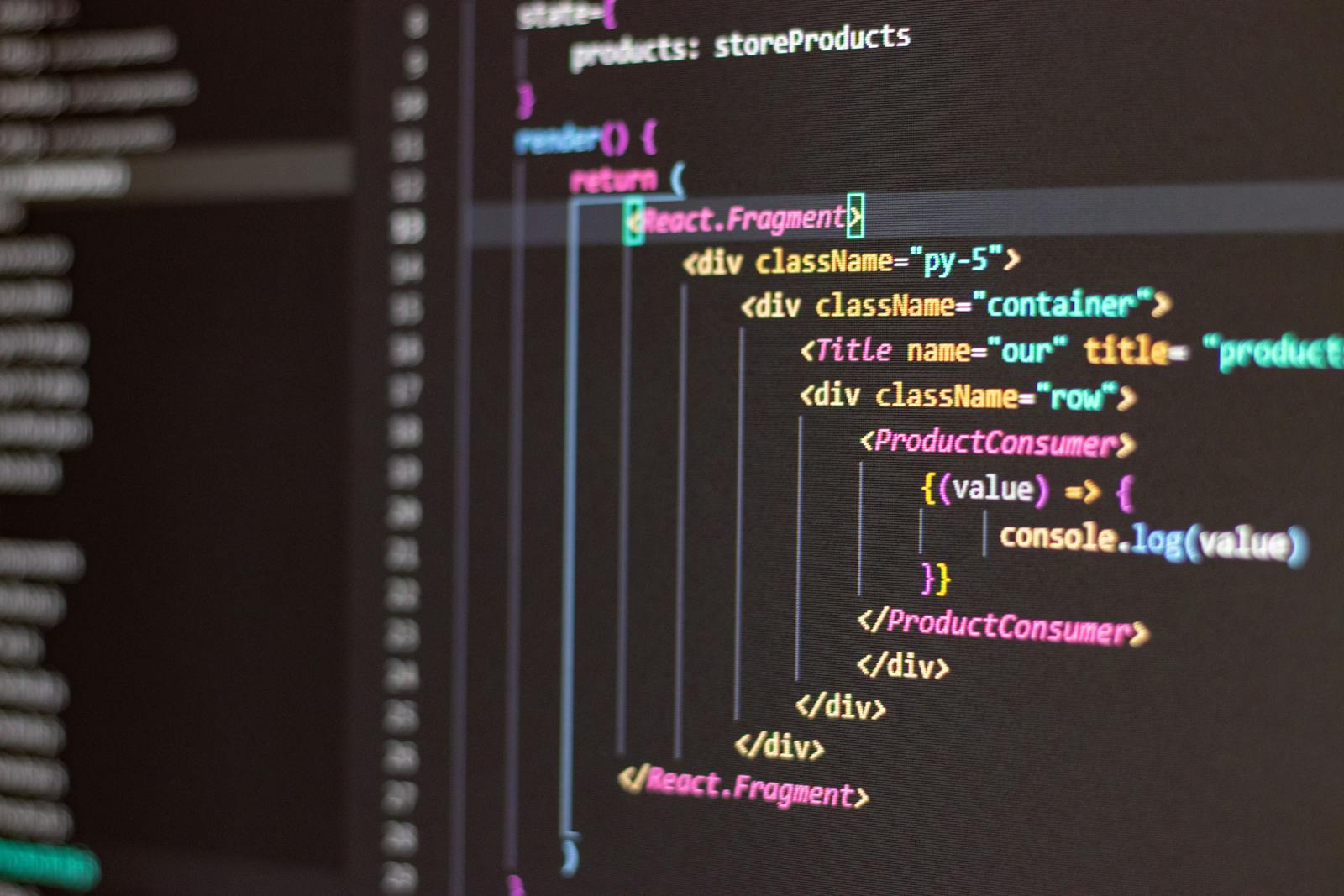

Webresources with React & Fiddler
In the ever-evolving landscape of Microsoft Dynamics CRM, reliability and efficiency in development are very […]
In the ever-evolving landscape of Microsoft Dynamics CRM, reliability and efficiency in development are very important. This blog post explores two crucial aspects that can significantly enhance your Dynamics CRM development process: creating webresources with React and utilizing Fiddler for debugging.
Part 1: Creating a React App for a MS Dynamics CRM Webresource
Developing web resources for MS Dynamics CRM using React offers a streamlined and modern approach. React, known for its simplicity and component-based architecture, empowers developers to create rich, interactive user interfaces seamlessly integrated into the CRM environment.
One of the key advantages is the ease of development and maintenance. Reacts modular structure allows for the creation of reusable components, ensuring consistency in style and functionality across the CRM. This not only accelerates development but also simplifies updates and enhancements, providing a more maintainable codebase.
Additionally, React aligns effortlessly with the styling conventions of Dynamics CRM, providing a seamless integration with Fluent UIs React components. This ensures a cohesive user experience.
Part 2: Setting up and Debugging Webresources with Fiddler in MS Dynamics CRM
Debugging is an inevitable part of the development process, and Fiddler emerges as a powerful ally in the Dynamics CRM ecosystem. Unlike traditional debugging methods that require constant deployment, Fiddler allows developers to inspect and debug in real-time without the need for repeated deployments.
In the upcoming Part 1 and Part 2, we’ll dive deeper into the step-by-step process of creating and debugging webresources with React and Fiddler inside the MS Dynamics CRM universe.